You meant to reply to a message after lunch. The intention was clear. Then lunch ended, another conversation started, and the reply never happened.
For some adults with ADHD, this gap between intending and doing is a familiar part of daily life. ADHD forgetfulness can affect everyday tasks even when they matter to you. A reminder app can provide an external cue to return to them, but its timing and wording need to fit the situation.
The National Institute of Mental Health describes adult ADHD difficulties that can include distraction, organisation, remembering daily tasks and finishing projects. People have different combinations of difficulties, so a useful reminder routine starts with the problem you actually experience. [1]
Remembering an intention involves more than storing a fact
Remembering to do something later is called prospective memory. You may remember what a form is for when someone mentions it, yet miss the moment when you intended to send it.
A 2019 study involving 29 adults with ADHD and 24 comparison participants found that the ADHD group remembered and carried out fewer of their own intended actions in everyday life. This was a small study, and it did not test reminder apps. It does help explain why remembering a future action deserves attention of its own. [2]
An external reminder gives that intention a scheduled opportunity to reappear. It still needs to tell you what to do and arrive when acting is possible.
Start with the task that keeps slipping away
Choose one ordinary responsibility to test, such as returning a library book, sending a document or arranging a repair. Avoid beginning by turning your entire to-do list into alerts.
Write the action so that you can understand it immediately:
- “Send the completed form to Morgan” is clearer than “Form.”
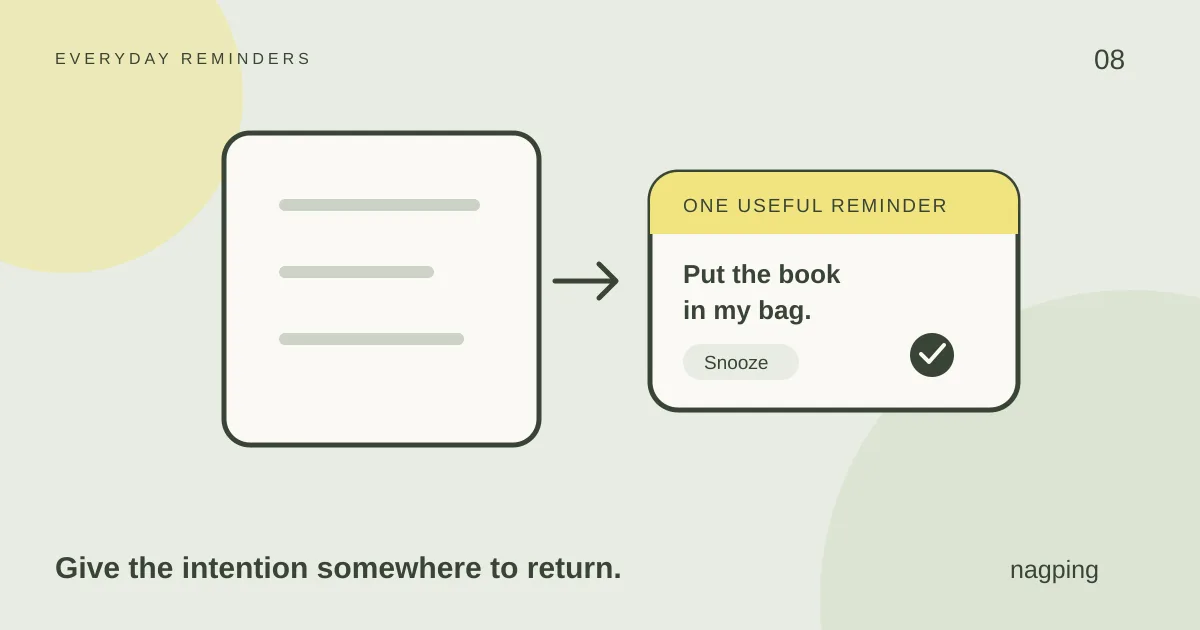
- “Put the library book in my bag” gives you a step you can take before leaving home.
- “Call the repair service to ask for an appointment” makes the purpose of the call explicit.
Add any useful link, number or note. A reminder that says where to find the form leaves you with less searching to do when it arrives.
If you already remember the task but cannot begin it, consider making the first step smaller. Another alert alone may not resolve an unclear instruction, a missing document or a task that feels too large.
Match the reminder to a moment you can use
Suppose you need to send a form from your laptop. An alert during your commute may be easy to notice and impossible to act on. Try scheduling it for a time when you expect to have the laptop and the information available.
In nagping’s reminders view, create the task, choose a date and time, and add your note. For a regular responsibility, the current Repeat options are daily, weekdays and weekly. Keep an occasional task as a one-time reminder.
Recurrence and follow-up alerts are separate choices. A weekly reminder schedules the next occurrence of a task. A repeat nudge brings the current unfinished occurrence back to your attention.
Nagping lets you choose one alert or nudges every 1, 5, 10, 15, 30 or 60 minutes. Those are product settings, not clinically recommended intervals. Try a frequency that gives you a realistic chance to act, then adjust it based on your experience. [3]
Decide what to do when the alert arrives
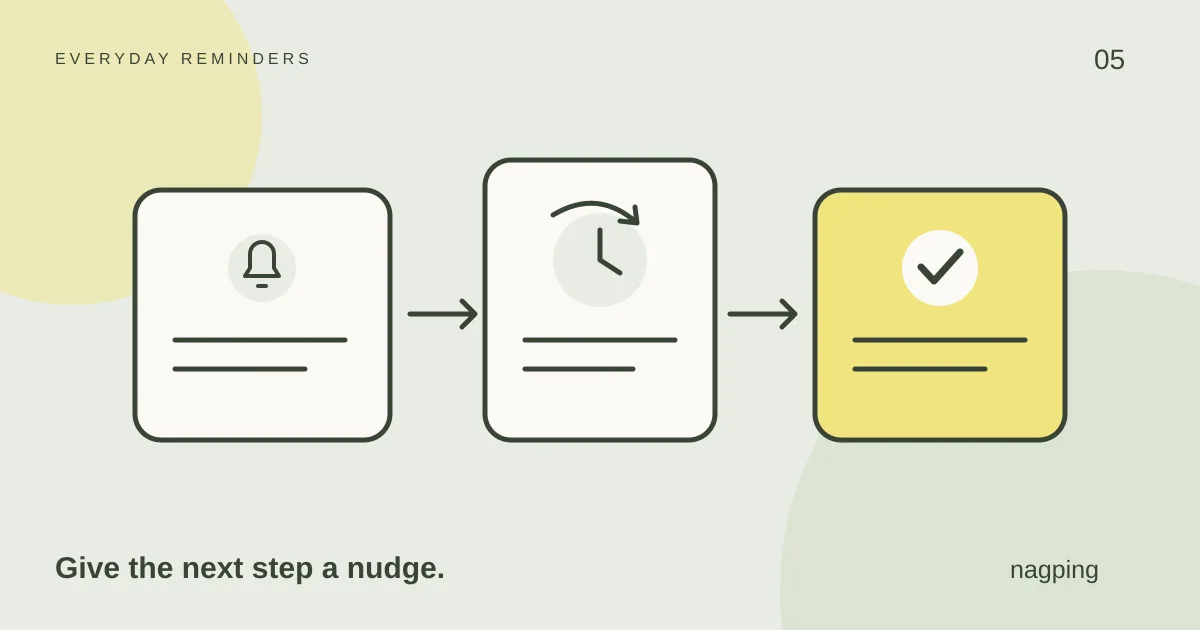
If you have finished, mark the reminder done. If you need a short delay, snooze it. If the day has changed, reschedule it for a new opportunity.
For example, snooze while you finish a conversation. Reschedule if the office you need to call has closed. If you are waiting for information, rewrite the action as “Check whether Morgan has sent the attachment” and give that follow-up a time.
Dismissing a nagping alert does not complete the task. Use Done when the action is finished. Our guide to persistent reminders and snooze explains these controls in more detail.
Let alerts earn their place in your day
Notifications can become another source of distraction. Leicestershire Partnership NHS Trust includes notification sounds among the sources of workplace noise that can add to concentration difficulties. [4]
If frequent nudges feel intrusive, increase the interval, choose a single alert or change the time. Nagping’s quiet hours can pause browser nudges during periods you want uninterrupted. A quieter system may suit you better than a more persistent one.
After a few attempts, ask whether you noticed the reminder, understood the action and had what you needed. Change the part that did not work. You do not need to keep a setting simply because you chose it first.
If reminders often catch you by surprise because time has slipped away, explore ADHD time blindness and timers for ideas about preparing to switch activities.
Try it with a small task
You can try nagping without signing in. Guest reminders stay in the browser where you create them. Browser reminders need the app open and the device awake; allow browser notifications if you want those alerts. Background browser behaviour can delay delivery. [3]
Create one everyday reminder and see whether its timing helps you return to the task. Keep the useful parts of the routine and adjust the rest.
Nagping is a general productivity tool. The research cited here does not establish it as an ADHD treatment. If attention or forgetfulness is affecting your work, relationships or daily life, a qualified healthcare professional can help you explore assessment and support. [5]
Sources
- National Institute of Mental Health: ADHD in Adults 4 Things to Know. 2024.
- Altgassen M, Scheres A and Edel MA: Prospective memory partially mediates the link between ADHD symptoms and procrastination. 2019.
- nagping: Features and frequently asked questions. Product details checked 21 October 2026.
- Leicestershire Partnership NHS Trust: ADHD and work. Accessed 21 October 2026.
- NHS: ADHD in adults. Reviewed 19 March 2025.