Choosing reminders, timers or countdowns starts with what needs your attention. Send the proposal. Give the bread dough twenty minutes. Remember how long it has been since you started a project. All three involve time, but each needs a slightly different kind of attention. Choosing the right tool makes the next step clearer.
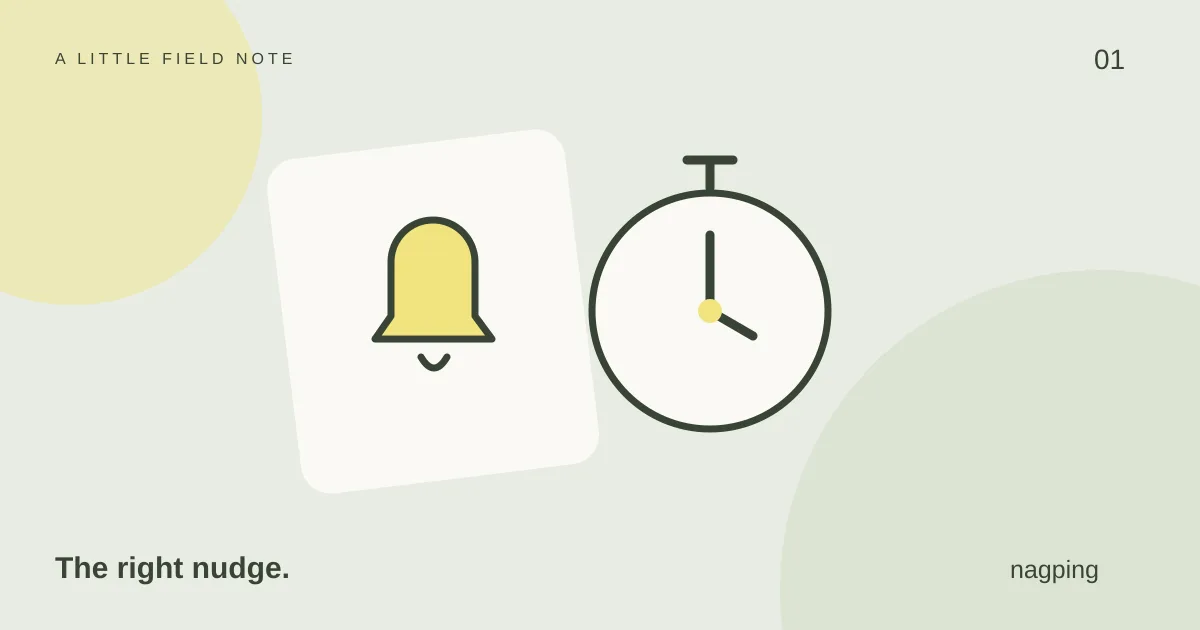
Use a reminder when there is something to do
A reminder connects an action to a useful moment. Give it a specific name, such as ‘Send the revised proposal’, and choose a time when you can act. A reminder to collect a parcel is more useful before the collection desk closes than after you have settled in for the evening.
For something that regularly slips your mind, choose repeat nudges. When it appears, complete the action or deliberately snooze it. If you keep postponing the same reminder, check whether the time is wrong or the task needs a smaller first step.
Use a timer for a stretch of time
A timer starts with a duration: ten minutes to tidy the desk, twenty minutes to read, or five minutes for a break. Start it when the activity begins. You can pause and resume when needed, then reset it for another session.
Name reusable timers after the activity. ‘Read for twenty minutes’ is easier to recognise tomorrow than ‘Timer 4’. In nagping, snoozing a finished timer leaves its saved preset duration unchanged, so your next fresh session can use the original length.
Use a countdown for an upcoming date
A countdown answers ‘How long until then?’ It suits a trip, a project milestone or the start of an event. The date stays the reference point while the displayed time gets smaller. nagping countdowns can have an optional finish alert, but they do not support snooze.
A countdown and a reminder can also work together. Keep a countdown to departure, then create separate reminders for checking travel documents and packing. Seeing a date approach does not tell you which preparation needs doing today.
Use a count-up to see time since a starting point
A count-up tracks elapsed time from a date, such as when you began learning a language or started a personal project. It stays silent. Use it as context for a milestone rather than as a prompt to take action.
Choose the question first
Ask: ‘What do I need to do?’, ‘How long shall I spend?’, ‘How long until it happens?’ or ‘How long has it been?’ That question points you towards the right tool.
For browser alerts, keep nagping open and your device awake; browser throttling can delay them. See the device guide for availability. Then open nagping and give one thing on your mind the right place.